The Secure Shell (SSH) Chrome Extension developed by Google
- 时间:2020-09-30 16:23:25
- 分类:网络文摘
- 阅读:175 次
Speaking about SSH tools, we often use the PuTTY or Termius, which are heavy weight desktop applications (users are required to download and install, and maybe upgrade manually).
The good news is that, you can launch the SSH connections using the Secure Shell chrome extension developed by Google.
Install the Secure Shell Extension to Your Chrome Browser: https://chrome.google.com/webstore/detail/secure-shell-extension/iodihamcpbpeioajjeobimgagajmlibd
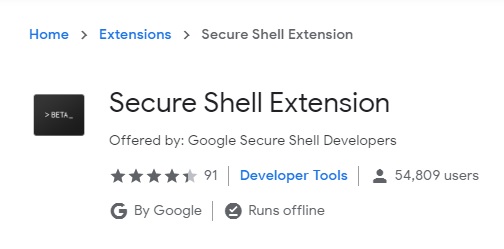
secure-shell-extension
Click the extension icon, and the “Connection Dialog” will give you a nice wizard the first time.
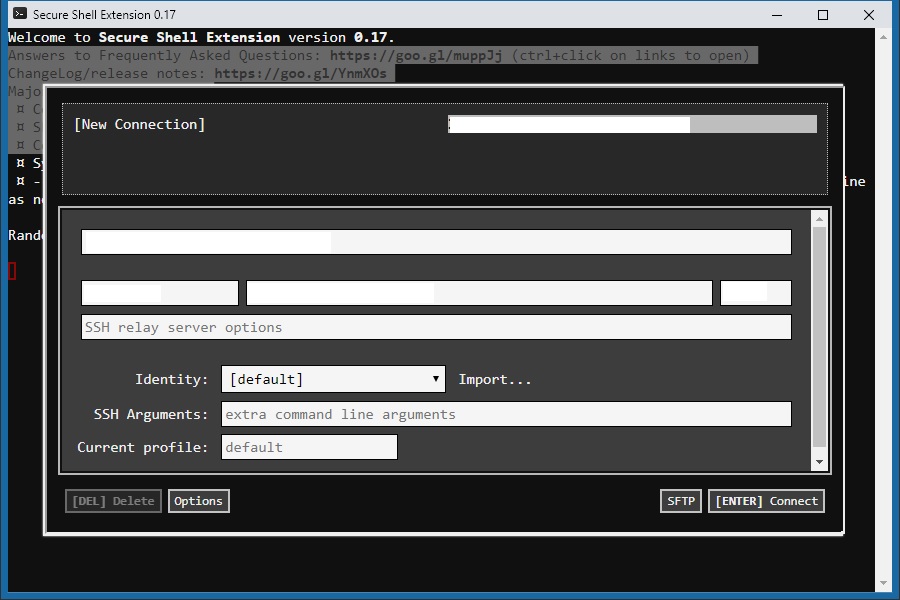
secure-shell-extension-window
Fill in the SSH connection detail and the extension will remember the connection details – so that you can click to launch next time directly. The SSH is launched in a separate window – and it looks like a native OS application (which is a HTML window)
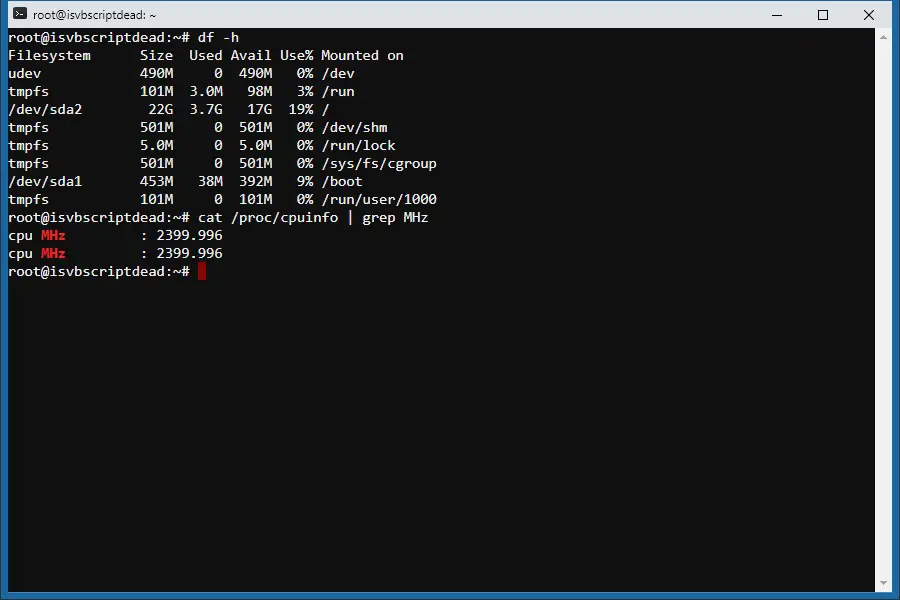
secure-shell-extension-window-connection
It is secure – and Google has maintained/tested it for many years. The password is not saved and should be typed in every time (didn’t see it supports importing Keys to login). The extension provides many options which can be imported and exported. It also supports SFTP (Secure FTP).
To allow using keys to login, you would need another Chrome Extension (also developed by Google): SSH Agent for Google ChromeTM
https://chrome.google.com/webstore/detail/ssh-agent-for-google-chro/eechpbnaifiimgajnomdipfaamobdfha
Add/Import/Manage the Keys via the SSH Key Agent Chrome Extension.
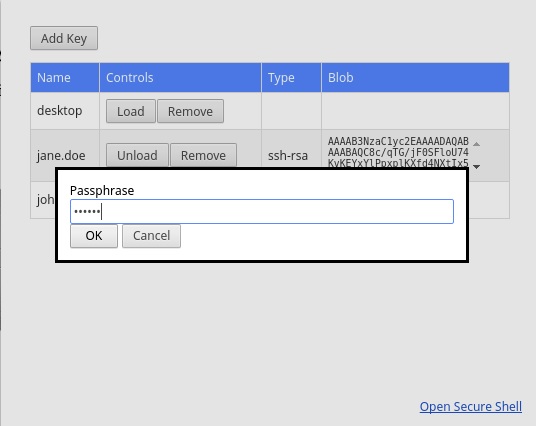
ssh-key-agent
Then you can paste the keys in the Secure Shell Chrome Extension. So you don’t need to enter username/password every time when you want to SSH to your host.
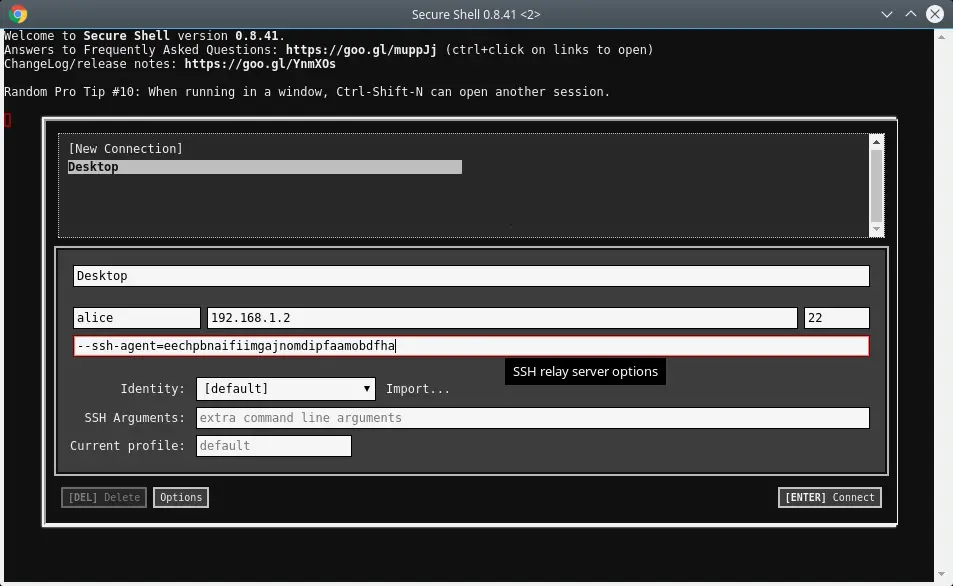
secure-shell-using-keys-to-login
It is platform independent – which is a handy tool that you can run whenever you have a Chrome browser. It is there when you need it fast.
–EOF (The Ultimate Computing & Technology Blog) —
推荐阅读:充实温馨的端午节作文600字 最最温柔的力量… 我和差不多的关系作文750字 写人作文夸夸我们班作文400字 爱—— 读《天晴的时候下了雨》有感 打枪战作文150字 描写仙女山的作文 希望之潮,齐聚镜秋 随笔困兽犹斗 让蔑视成为向上的阶梯作文600字
- 评论列表
-
- 添加评论